
 Explore the US$49 kit →
Included with your US$49 kit
Give your next image a better brief.
Your Listing Visual Starter adds one room comparison, three image recipes and a brief you can edit. Start with a known scene. Change one thing. Check what stayed true.
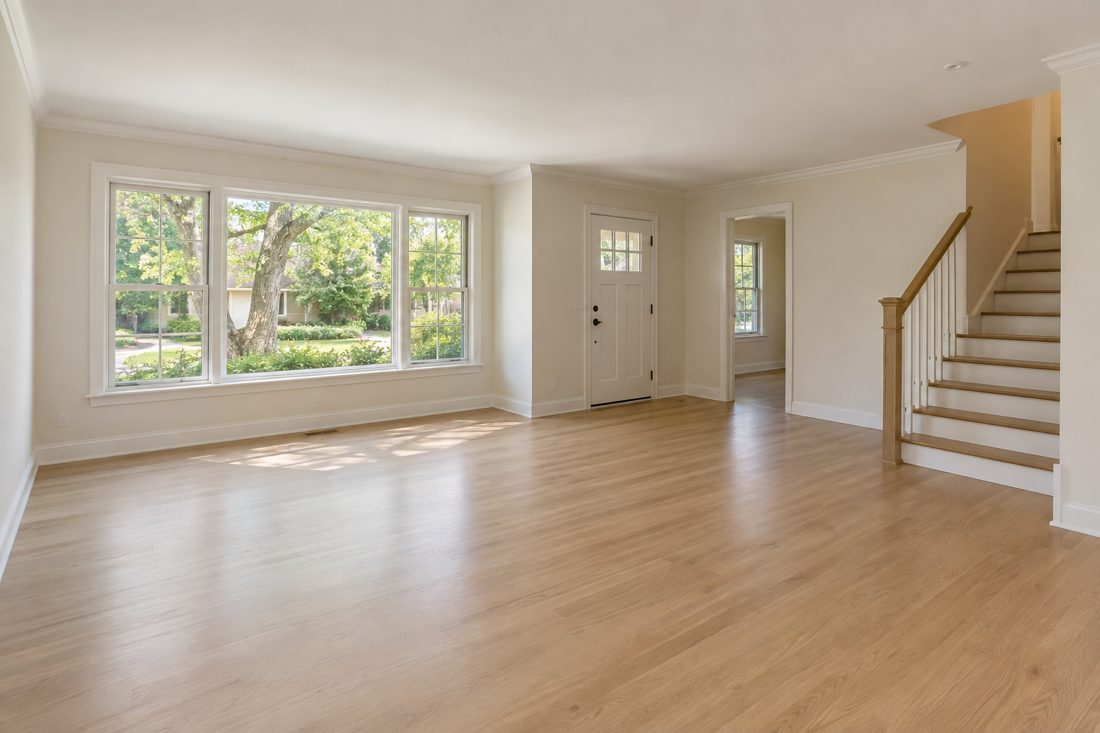
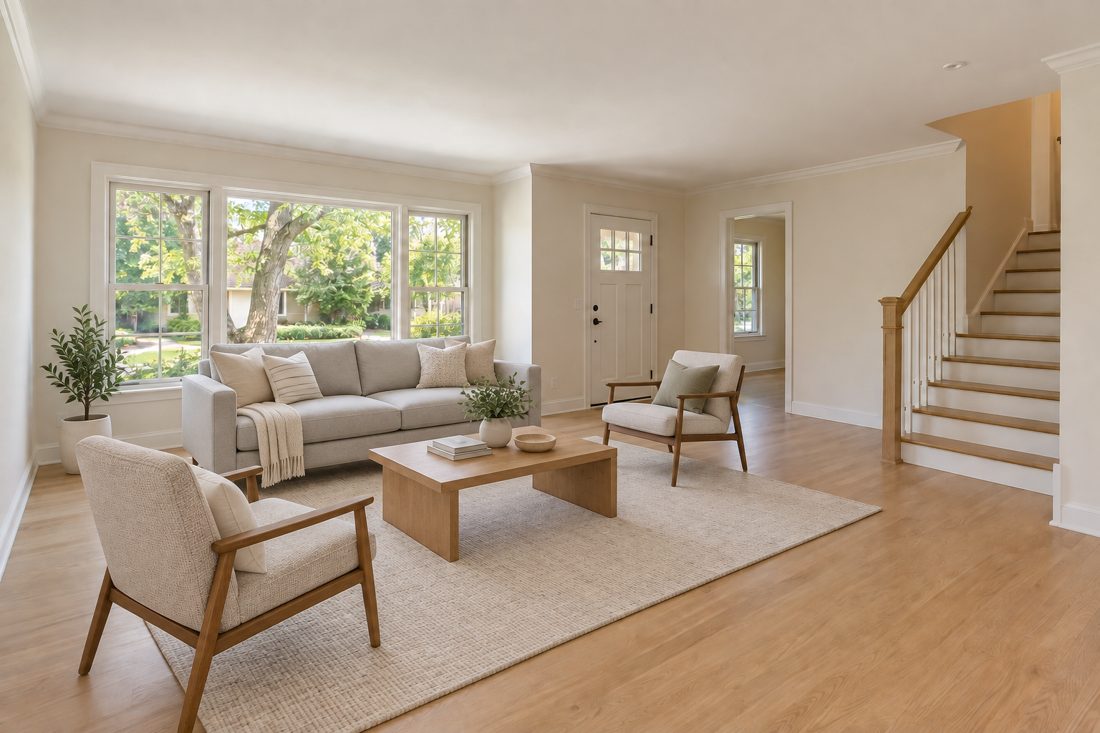 Synthetic example · virtually staged
A convincing image still needs a fact check.
Use an authorized photo. Describe the permitted changes. Compare the result against the original. Keep the staging label with the final image.
- Brief the change.
- Generate a candidate.
- Check the fixed features.
- Approve and label.
Original A1 materials in English · PDF + editable visual brief. AI tools are separate. Examples are fictional and require professional review.
Try a small part of the method
Start by writing what must stay true.
For this fictional room: keep the window positions, flooring, wall openings and fixed lighting. Add only removable furniture. Then compare each protected feature with the original image.
The complete Starter includes the staging prompt, two marketing-image recipes and an editable brief. The Academy adds all four bonus workbooks.
One payment · 7-day refund window · Sign in to purchase.