

Listing practice · R007
A description you can verify.
Turn a fact sheet into a draft, connect claims to their sources and keep open questions visible for your reviewer.
Takeaway: annotated listing + claim ledger
AI training for US real estate agents
Learn to turn a property fact sheet into listing copy, a carousel, email, a video script and more. Build the AI skills behind the work, from your first prompt to apps, automations and agents.
108 lessons in English or Portuguese · Text, diagrams and guided exercises · No coding required
US$97 · One payment · 7-day refund window · AI tools sold separately
Sign in with A1 ID, review the terms, then pay through Stripe. Signing in does not charge you.
Choose a tab to see a worked example from your included workbook.
Description draft EXCERPT
A detached two-story home with 3 bedrooms, 2.5 bathrooms and 1,842 square feet. A covered patio leads to a fenced backyard.
Property record · F2 + F6
Confirm status, price and brokerage details before publication.
From your included workbook. Full drafts, prompts and editable fact sheets are inside the Academy.
Core teaches the skills you can use anywhere. US Real Estate shows how to apply them to familiar tasks.
Begin with Lesson 00. Learn to ask useful questions, study with AI and check the answers.
Explore research, images, video, apps, APIs, MCP, automations and agents without required coding exercises.
Practice records, marketing, client service and market research with fictional cases.
The bundle includes 76 Core lessons and 32 Real Estate lessons. Follow the path or find a lesson for the task at hand.
Buy Core + Real Estate · $97Move from source facts to drafts and review across marketing, client service and operations.
Listing practice · R007
Turn a fact sheet into a draft, connect claims to their sources and keep open questions visible for your reviewer.
Client service · R017
Build a useful FAQ with approved answers, missing information and a handoff when a question needs a person.
Market research · R031
Organize market information by source, date and geography. Separate what the data shows from what still needs checking.
You practice with fictional cases first. Real client work still follows your brokerage’s review process and applicable rules.
RELIABLE DOCUMENTS & DATA
Start with the property facts. Keep each claim tied to its source and show what still needs checking.
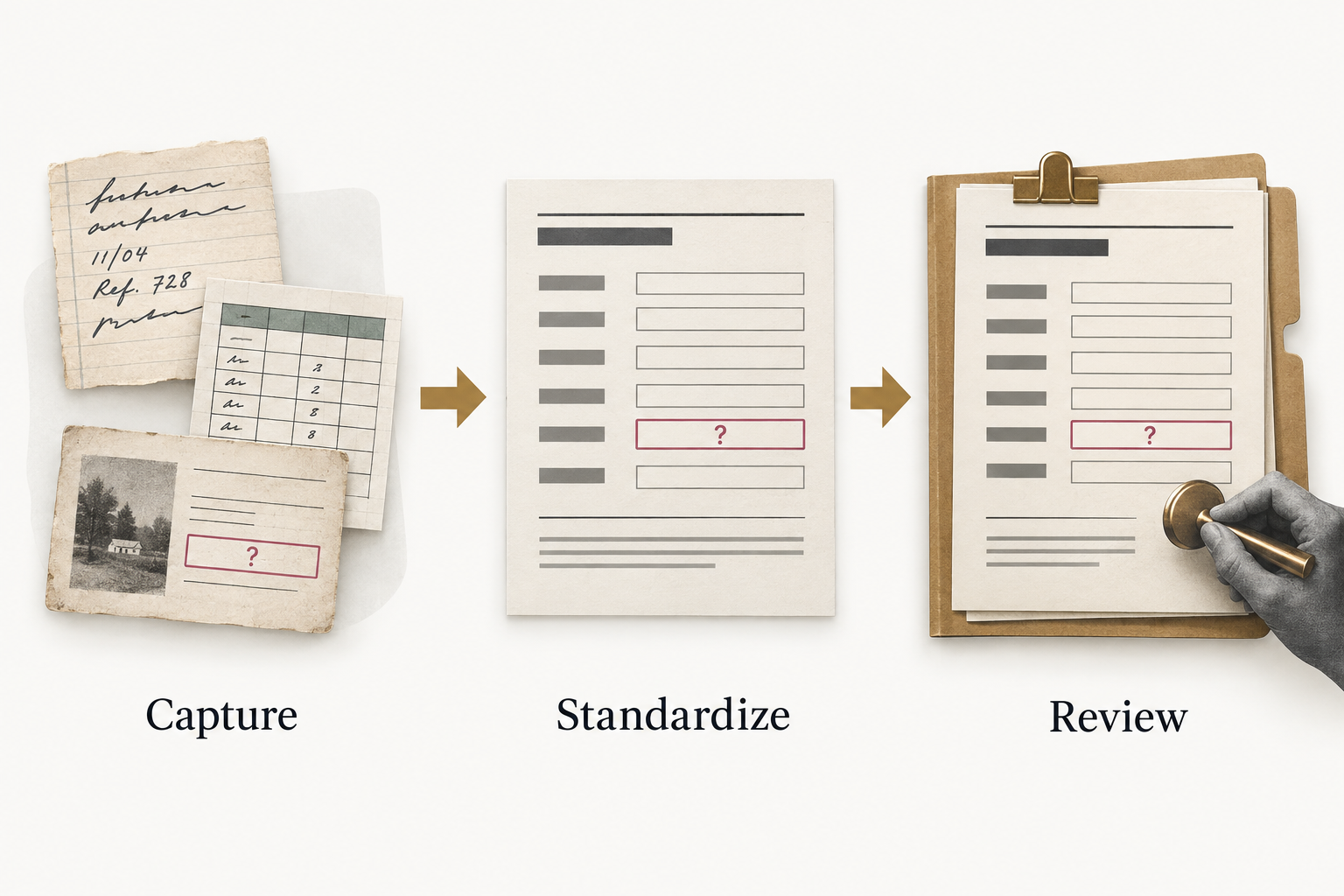
Inside a lesson
Each lesson connects an explanation to a visual, a worked example and an exercise. Compare your work with an annotated answer, then apply the skill to a different case.
This edition is text and visuals. Video lessons and individual coaching are not included.
Buy Core + Real Estate · $97Included with Core + US Real Estate
Four practical bonus workbooks connect the lessons to listing marketing, images, open houses and seller meetings. Read the examples, copy the prompts and adapt the editable files.
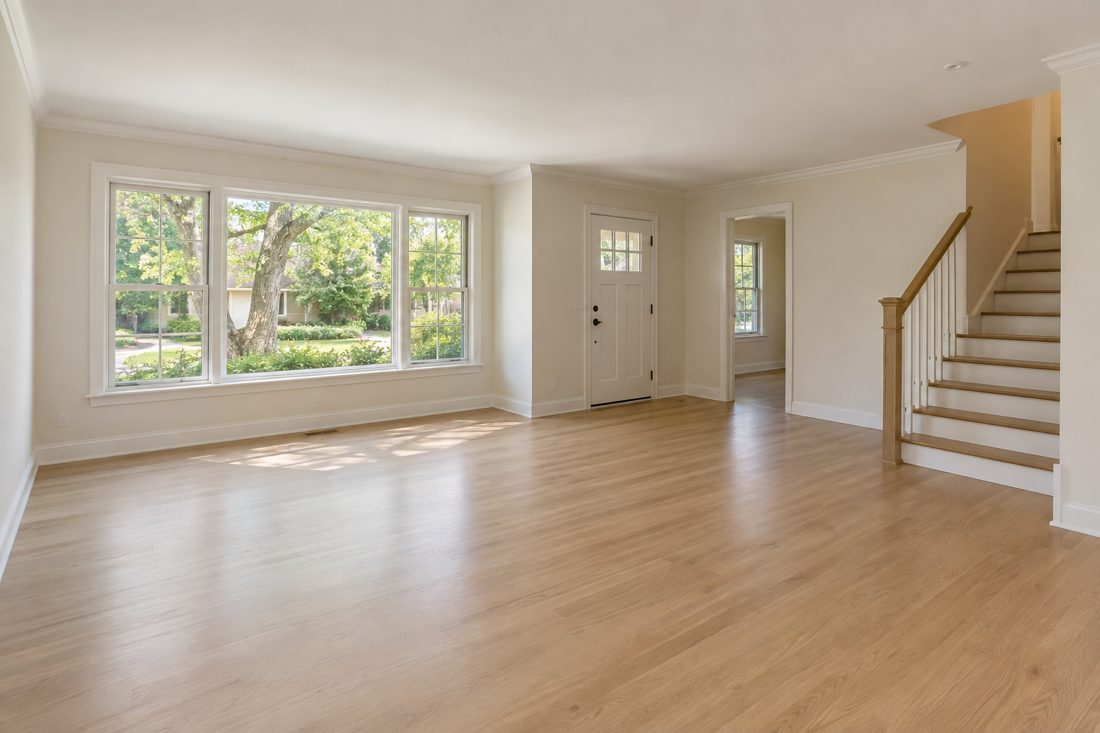
 Synthetic example · virtually staged
Use an authorized photo. Describe the permitted changes. Compare the result against the original. Keep the staging label with the final image.
12 image recipes. Three room comparisons. A brief that protects the property facts.
Visual guide + editable briefTurn one verified fact sheet into a listing, carousel, Reel, email and more.
7 worked drafts + fact sheetA useful reply, a CRM note and a next task — with permission and stop conditions.
Follow-up kit + planning sheetPrepare a ten-slide meeting and a weekly update from evidence you can explain.
Meeting framework + workbookOriginal A1 materials in English · PDF guides + editable Word, text and CSV files. AI tools are separate. Examples are fictional and require professional review.
Explore all 108 lessons. Core stays useful across industries; the US Real Estate track applies it to your field.
 Lesson 00 · Your AI Study Partner1 lesson
 Everyday AI Foundations6 lessons
 How AI Tools Connect1 lesson
 Prompting for Useful Work6 lessons
 AI Workspaces and Assistants6 lessons
 Research, Documents and Data6 lessons
 Web Scraping: Collect Public Evidence with Limits4 lessons
 Direct images with intention6 lessons
 Build a short visual sequence6 lessons
 Shape voice and sound responsibly6 lessons
 Visual Apps for Everyday Work6 lessons
 Connections and No-Code Automation6 lessons
 Scheduled Routines and Event Triggers3 lessons
 Reliable Agents at Work6 lessons
 Skills, AGENTS.md and Connected Workspaces4 lessons
 Bring AI Work into a Company3 lessons
 Documents and reliable data6 lessons
 Property marketing studio6 lessons
 Client service and follow-up6 lessons
 Business finance and records4 lessons
 Connected brokerage operations6 lessons
 Market research and client briefings4 lessons
Core + US Real Estate
One purchase brings together the Core path and its application to US real estate work.
$97 USD · one payment
No subscription. No automatic renewal.
Lessons use text, diagrams and exercises. The kit and bonuses are in English; AI tool subscriptions are separate.
Request a full refund within 7 days of confirmed payment, through your account or by contacting contato@a1solutions.ia.br.
Sign in → Pay through Stripe → Start learning.
AI subscriptions are separate. Future niche tracks are sold separately. Access & refund terms
Yes. Core + US Real Estate includes the 32-page AI Listing & Follow-up Kit. You do not need to buy it separately. If you already own an eligible kit, your account offers the US$48 upgrade instead.
Yes. Begin with Lesson 00 and the Core foundations. You will learn the concepts behind prompts, tools and connections before moving into real estate workflows. No code or terminal is required for the student exercises.
The course moves beyond individual prompts into source checks, reusable records, handoffs, recurring routines and supervised agents. Browse the curriculum and interface preview to judge whether the depth fits your starting point.
No. Tool subscriptions are not included. Each lesson explains its requirements, and many exercises have a supplied-material alternative. Simulated practice is distinguished from using the actual provider.
This edition is a self-paced portal with text in English and Portuguese, diagrams and guided exercises. It does not include video lessons, live classes, individual coaching or an accredited certification.
The bundle includes Core and US Real Estate for one learner. Updates to these tracks are included for 12 calendar months from your confirmed purchase. You keep access to received editions after that period. Future niche tracks are separate purchases.
Use Sign in and keep using the same account after purchase. An account is required to save your work and access paid lessons. Your course purchase does not include an AI tool subscription.
Start with the fictional practice material, then adapt the method within your brokerage’s policies. The course does not provide legal, tax or investment advice or automatically approve content for publication. Your responsible reviewer makes the final call.
Request a full refund within 7 days of confirmed payment, from your account or by contacting A1 support. The request date determines eligibility. A confirmed full refund ends course access; mandatory consumer rights are not limited.
Ready to begin?
Sign in, review the terms and then pay through Stripe.
Core + US Real Estate US$97 · one payment
Buy course